 NextFloorv0.36.0.3
Wall tablet
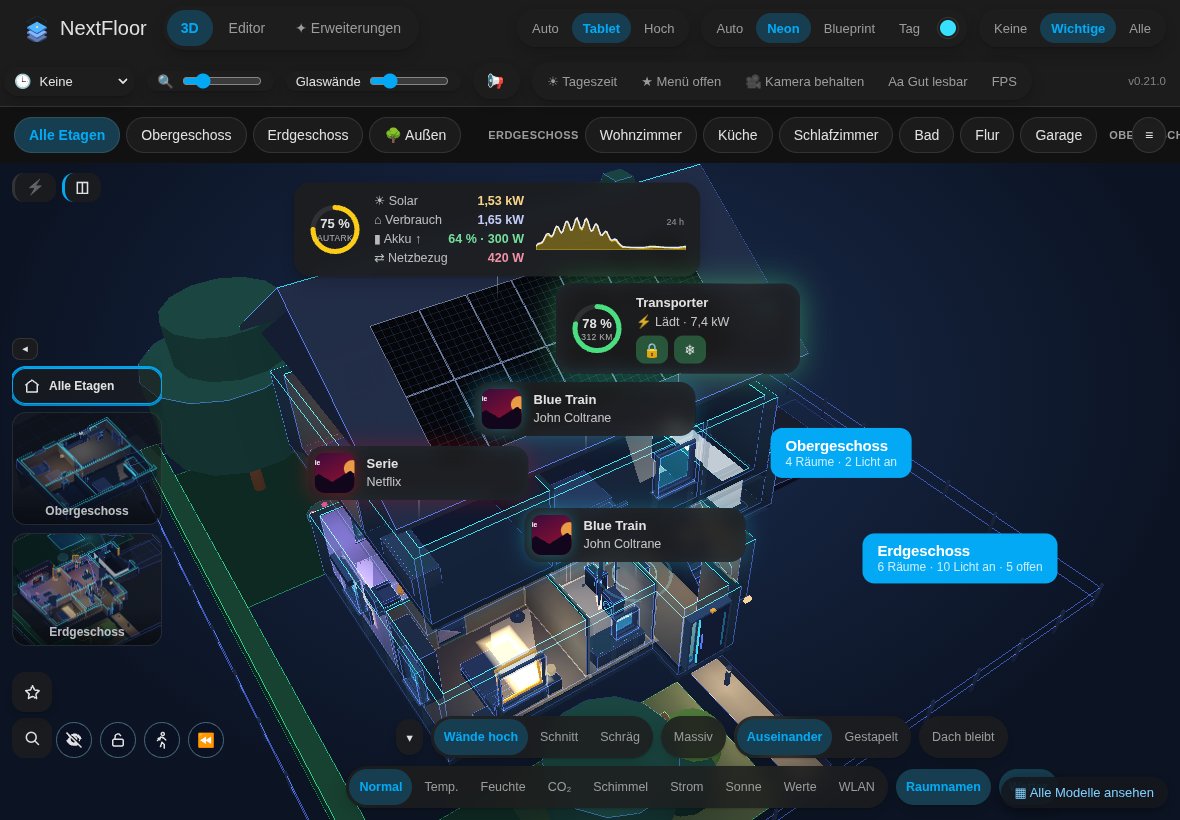
NextFloor is made for the tablet on your wall. These options live in the card's kiosk section (see The dashboard card).
Kiosk#
| Option | What it does |
|---|---|
idle_return | seconds without a touch after which the card returns to its start view (0 = never) |
night | dim at night: off, sun (the sun is below the horizon) or a time range such as 22:00-06:00. Colour effects rest while dimmed |
idle_orbit | after the idle return, turn the view slowly by itself until the next touch: a screensaver |
dashboard and dashboard_label | a button to another dashboard or view |
controls_hidden / controls_hide_after | hide every bar and overlay at start, or after some seconds without a touch |
fullscreen_button | a button for full screen |
central_open | the star menu stands open from the start, a size larger |
keep_camera | switching floors keeps the camera's side, height and distance |
room | start in one room, for a display in the kids' room |
Readable mode#
readable: true gives stronger contrast and larger text, for tablets seen from a distance.
Quality#
Quality steps down by itself on slow tablets. You can also set it: use Tablet on Fire tablets and similar. If the view is slow, also switch off weather and power flow.
Small screens#
zoom(0.6–2.5) brings the fitted views closer.- 🎥 Keep camera avoids re-aiming at every floor change.
Announcements on the tablet#
Every open page speaks announcements. Name the tablet with screen_name to address it alone. See Announcements.